Minesweeper releases
By Ore Lantern editorial team Current release, published March 30, 2026
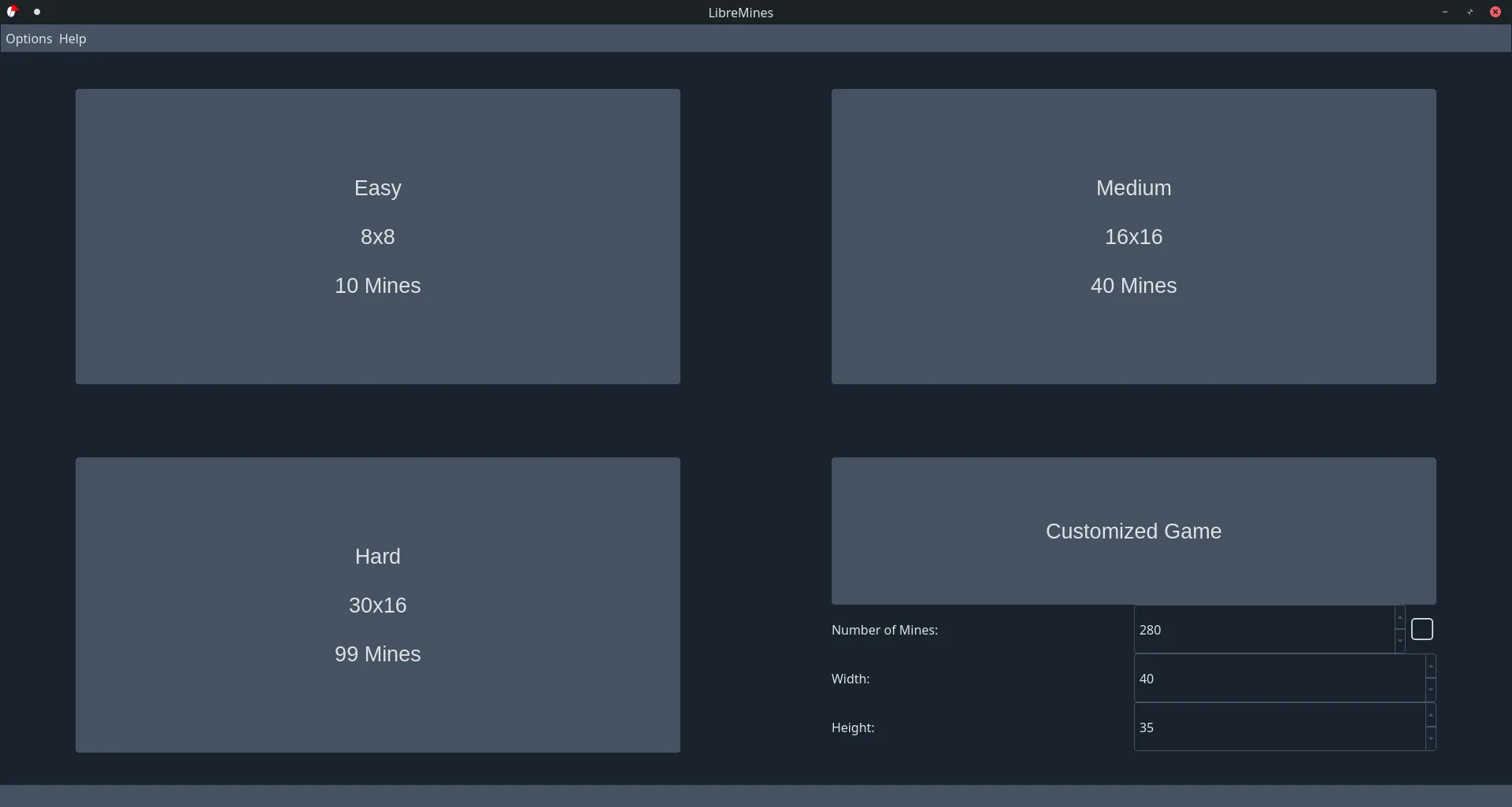
Use GitHub Releases for Bollos00/LibreMines when you need a named client binary. Prefer the Windows Qt6 zip on a tag that still ships it, together with the macOS Qt6 DMG and Linux Qt6 AppImage on the same tag.
Open LibreMines releases and confirm the tag before you download. This install guide maps filenames, not mirrored rename jobs.
Windows assets
Primary for this client path: libremines-*-windows-qt6.zip. Prefer that zip from the current tag. Extract it and run libremines.exe. No winget package id was found on this review date. Qt5 zip ships as an alternate on the same tag.
- Windows x64 Qt6 zip for a normal portable-style install
- No winget id verified here
- Confirm the tag still lists the Qt6 zip before imaging a lab
macOS assets
Apple silicon uses libremines-*-macos-arm64-qt6.dmg. Intel Macs use libremines-*-macos-intel-qt6.dmg. Qt5 DMGs also ship. No Homebrew cask was verified on this review date.
Linux assets
Prefer LibreMines-*-qt6-x86_64.AppImage. Make it executable, then run it. Qt5 AppImage ships as an alternate. Flatpak id io.github.Bollos00.LibreMines is documented upstream and remains UNVERIFIED here.
Qt5 versus Qt6
This guide prefers Qt6 assets on every OS when the tag ships both. Qt5 files remain useful on older desks that already depend on Qt5 runtimes. Match the Qt series across Windows, macOS, and Linux when you want one tag family.
How to refuse mirrors
If a site renames the setup for a minesweeper ranking, stop. Match the filename on GitHub Releases instead. Safe path: download safe. Machine chooser: for this computer.
After the download
First hour: installed. Windows detail: install on Windows. Update door: update uninstall.
Tag notes that matter
The current fetch used by this guide picked the LibreMines tag that ships the locked Windows primary asset name together with the macOS DMG and Linux AppImage. Prefer that pairing when you want desks on one tag.
Keep one installer door forever. Mixing adware wrappers with GitHub Releases on the same PC creates duplicate installs and confused uninstalls. After every reimage, prove one short local game before you call the machine ready.
Ore Lantern maps filenames for people who searched for a local minesweeper client and need a Qt LibreMines path. Upstream remains at Bollos00/LibreMines under GPL-3.0. Store billing stays your responsibility and stays separate from the program licence.
Classroom images should pin the exact zip or DMG name beside the OS version. Travel laptops should keep the extract folder path written next to the update door. Shared desks should refuse Softonic-style mirrors even when SmartScreen blocks the first honest download.
When a tag drops an OS asset, re-check the live Releases list before you image a lab. Prefer returning to the same URL instead of inventing a new portal mid-flight. The install habit stays boring when filenames stay boring.
Shared desk checklist
- One GitHub Releases URL on the ticket
- One Qt6 asset name for this OS
- One proven easy minesweeper game after every reimage
Return to Bollos00/LibreMines Releases when SmartScreen or Gatekeeper interrupts. Do not accept a second portal.
Lab and travel notes
Shared labs should treat the filename as part of the machine image. After every reimage, open GitHub Releases again, confirm the Qt6 asset still exists on the tag you pinned, and prove one short local game.
Travel laptops benefit from the same boring checklist: one installer door, one extract or Applications path, one note for the next bump.
- Family PCs may keep Store Minesweeper beside LibreMines
- Command-line users may add Flatpak after Releases works once
- Document UNVERIFIED where a package command was not run here
Ore Lantern publishes independent install guidance. Upstream LibreMines remains GPL-3.0 at Bollos00/LibreMines. Prefer phrase-first minesweeper language in titles.
When assets change
When a release drops an OS asset, pause imaging work and re-check the live list. Prefer the next tag that restores your primary filename rather than inventing a new download brand.
Keyboard play, dark themes, and custom fields are comfort settings. They come after a proven game on easy. First-hour checklists exist so desks do not chase Options menus too early.
Filename discipline
Write the exact LibreMines asset name beside the OS version before you image a lab. Prefer Qt6 when the tag ships both series so Windows zip desks match macOS DMG and Linux AppImage desks.
libremines-*-windows-qt6.zipon Windowslibremines-*-macos-arm64-qt6.dmgon Apple siliconLibreMines-*-qt6-x86_64.AppImageon Linux
No winget id and no Homebrew cask were found on this review date. Flatpak and AUR remain UNVERIFIED alternates documented upstream. Prefer Releases first.
After the first proven game
Only after one easy minesweeper game works should you open Options for themes or try a custom field. First hour: installed. First run: first run. Themes: keyboard and themes.
Keep Microsoft Minesweeper only if achievements still matter. Switch notes: switch. Comparison: vs Windows Minesweeper. Safe download: download safe.
Ore Lantern maps filenames. Upstream LibreMines remains GPL-3.0 at Bollos00/LibreMines. Refuse Softonic-style mirrors even when a first launch is blocked.