Linux minesweeper installs for LibreMines prefer the Qt6 AppImage from GitHub Releases. Download LibreMines-*-qt6-x86_64.AppImage, run chmod +x on it, then launch the file. The command is UNVERIFIED on a real machine in this review.
Qt5 AppImage ships as an alternate. Flatpak and AUR are documented upstream and remain UNVERIFIED here. Prefer AppImage when you want the same tag as the Windows Qt6 zip.
Steps
- Open LibreMines releases.
- Download
LibreMines-*-qt6-x86_64.AppImage. - Run
chmod +x LibreMines-*-qt6-x86_64.AppImage. - Run
./LibreMines-*-qt6-x86_64.AppImage. - Pick easy and prove one local minesweeper game.
Flatpak alternate: Flatpak guide. Safe path: download safe. Releases: releases.
Desk habits that keep minesweeper installs honest
Write the update door on the machine ticket beside the OS version and the LibreMines filename you actually used. Windows zip, macOS DMG, Linux AppImage, and Flatpak are different doors.
- One Releases URL on the ticket
- One Qt6 filename for this OS
- One proven easy game after every reimage
Shared labs should treat GitHub Releases for Bollos00/LibreMines as the only approved download brand. When SmartScreen, Gatekeeper, or an execute-bit problem appears, return to the Releases URL you typed instead of accepting a second portal that only ranks for minesweeper.
Family and lab fallbacks
- Keep Store Minesweeper only if achievements matter
- Keep one browser bookmark as a no-install fallback
- Prefer Releases for every new machine
Family PCs often keep Microsoft Minesweeper installed beside LibreMines for a while. That is fine when everyone understands which window is the GPL-3.0 Qt client and which window still owns Xbox badges.
Prove one easy game after every OS upgrade that rewrites permissions. AppImage execute bits and Gatekeeper decisions can reset. The Releases filename on the ticket is the recovery path when a helpful relative deletes the wrong folder.
Keyboard play, dark themes, and custom fields come after a proven game on easy.
More notes for shared minesweeper desks
Ore Lantern publishes independent install guidance. Upstream LibreMines remains GPL-3.0. Prefer phrase-first minesweeper language when you talk about the job, and name LibreMines as the product that ships the binaries.
When a release drops an OS asset, pause imaging work and re-check the live list. Prefer the next tag that restores your primary filename rather than inventing a new download brand.
Prefer Qt6 across the fleet
Prefer Qt6 assets when a tag ships both Qt5 and Qt6. Matching the Qt series across Windows, macOS, and Linux reduces surprise runtime differences on mixed fleets.
Ticket fields
- Releases URL
- Asset filename
- Qt5 or Qt6 series
- Who owns the next bump
Document UNVERIFIED for winget, Homebrew cask, Flatpak prompts, AUR helpers, FreeBSD pkg, SmartScreen text, and Gatekeeper text until someone runs them on real hardware and records what happened in RESEARCH.md.
Travel laptops benefit from a single documented installer door written beside the extract folder or Applications path. Club machines should receive the client on hardware they control.
Related doors: releases, GitHub, download safe, for this computer, installed, and home.
Filename discipline
Write the exact LibreMines asset name beside the OS version before you image a lab. Prefer Qt6 when the tag ships both series.
libremines-*-windows-qt6.zipon Windowslibremines-*-macos-arm64-qt6.dmgon Apple siliconLibreMines-*-qt6-x86_64.AppImageon Linux
No winget id and no Homebrew cask were found on this review date. Flatpak and AUR remain UNVERIFIED alternates. Prefer Releases first.
After the first proven game
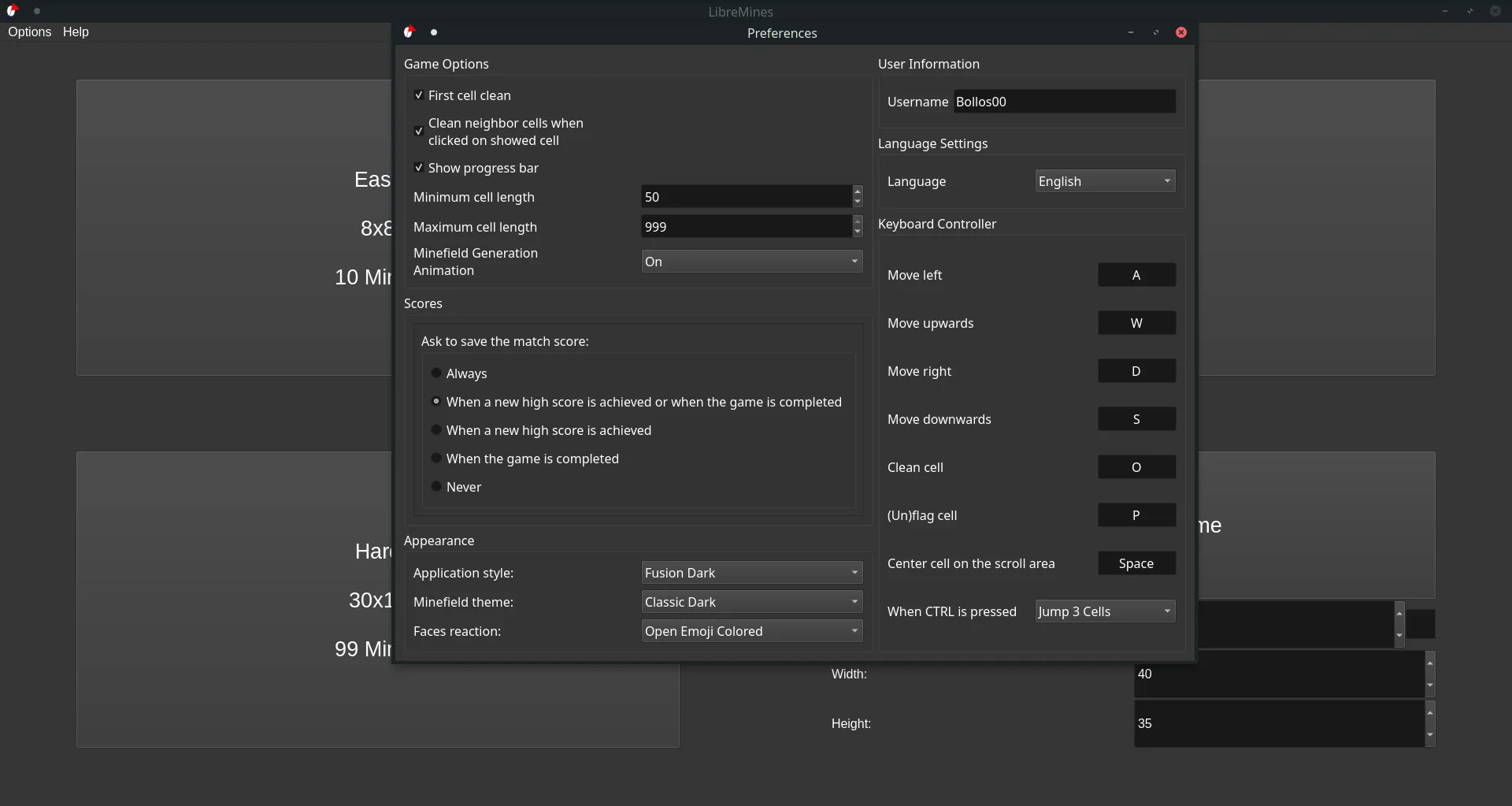
Only after one easy minesweeper game works should you open Options for themes or try a custom field. First hour: installed. First run: minesweeper-first-run. Themes: keyboard and themes.
Keep Microsoft Minesweeper only if achievements still matter. Switch notes: switch. Comparison: vs Windows Minesweeper. Safe download: download safe.
Ore Lantern maps filenames. Upstream LibreMines remains GPL-3.0. Refuse Softonic-style mirrors even when a first launch is blocked.
Everyday limits for this minesweeper path
LibreMines does not replace a Store achievement ladder. It does not remove the need to trust the zip, DMG, or AppImage you downloaded. Offline play still needs network for the first fetch.
Classroom images should pin the filename beside the OS version. After every reimage, prove one short local game before you call the machine ready for students or club members.
Frequently asked questions
Is this minesweeper software free?
Yes. LibreMines is free under GPL-3.0, and GitHub Releases assets have no paywall for the client itself. Artwork in the upstream share folder uses CC BY-SA 4.0. Microsoft Store ads or in-app purchases stay separate from that licence if you keep the Store app as a fallback.
Where should I download minesweeper?
Prefer GitHub Releases for Bollos00/LibreMines when you need a named minesweeper binary. Take the Qt6 zip on Windows, the Qt6 DMG on macOS, or the Qt6 AppImage on Linux. Skip Softonic-style mirrors that only rank for minesweeper and rename the setup.
Does minesweeper need an account here?
No. LibreMines plays locally without a signup or cloud login. Microsoft account features that appear in Store Minesweeper do not apply inside the Qt window. You only need network for the first download and for later Releases updates.
Should minesweeper use Flatpak or AppImage?
Prefer the Qt6 AppImage when you want the same GitHub tag as the Windows Qt6 zip. Flatpak id io.github.Bollos00.LibreMines is documented upstream and remains UNVERIFIED here until someone runs it on real hardware and records the prompts.